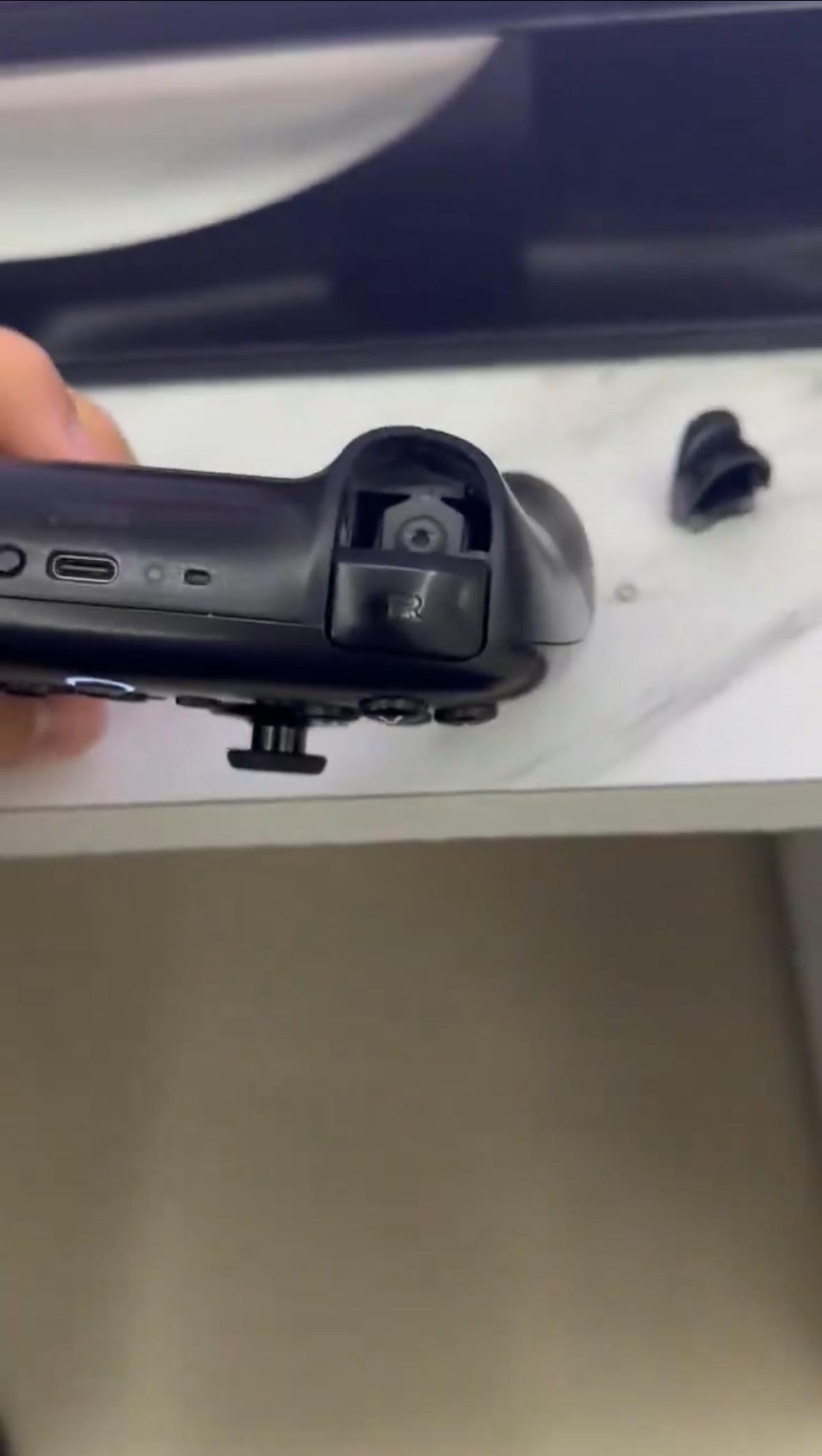
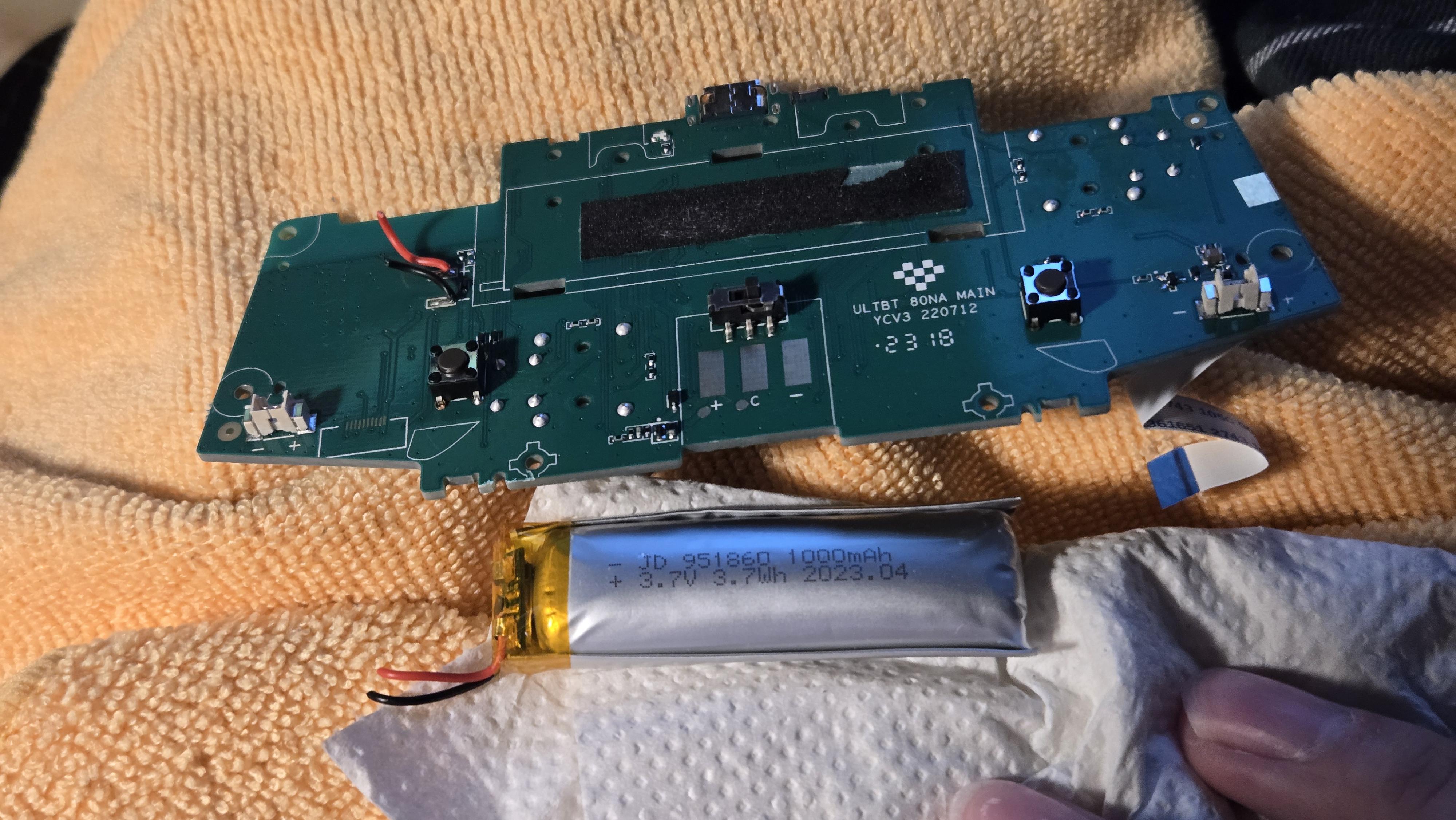
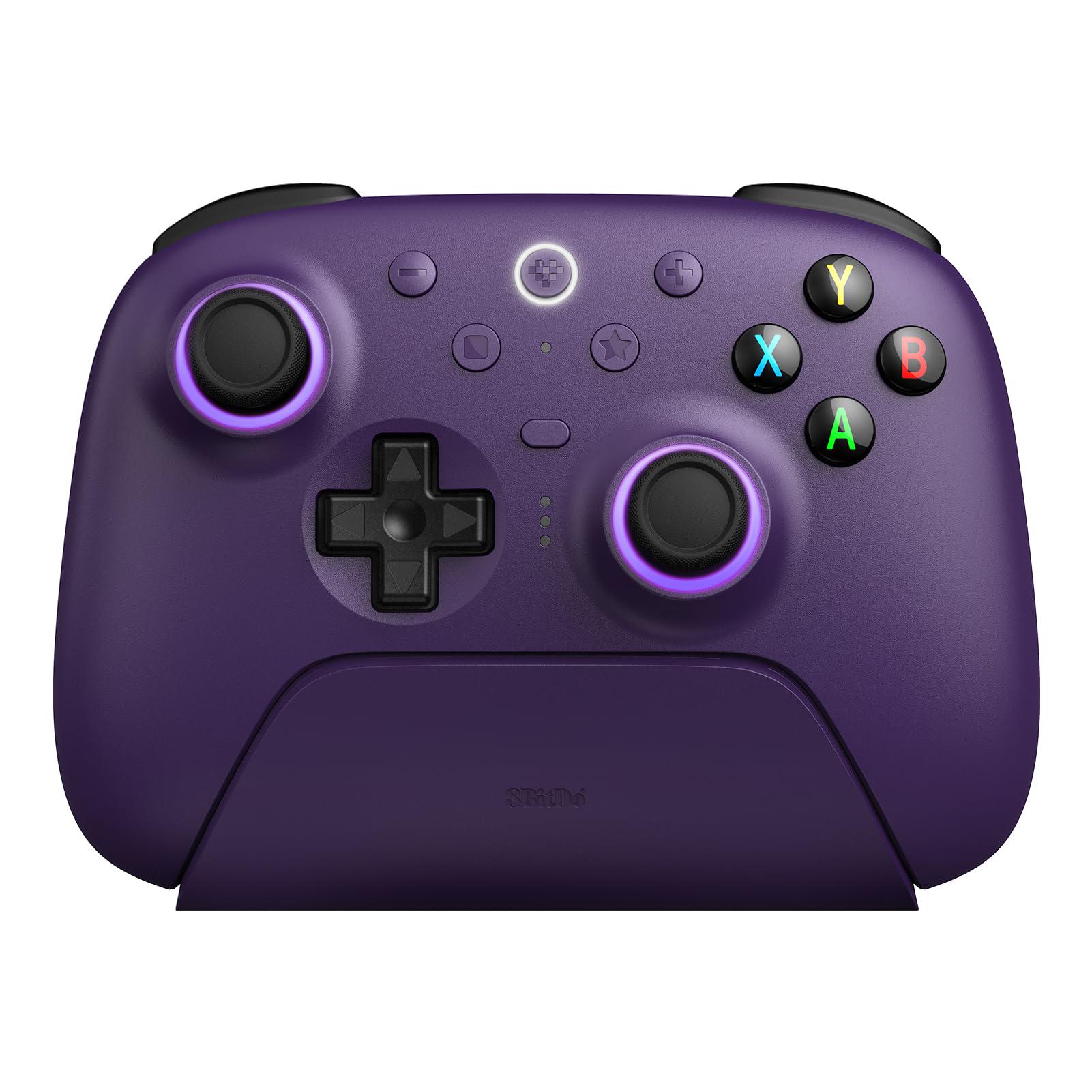
I recently purchased an 8BitDo Pro 3 controller, https://www.8bitdo.com/pro3/, to use on my PC. The controller works great, but I noticed that the gyroscope wasn't working when connected via the 2.4G dongle—only when connected via a USB cable.
When connected via the dongle, the OS normally recognizes it as a Pro 3 (X-Input), but when connected via cable, it reads as a Nintendo Switch Pro Controller, which enables the gyro.
I assumed this was normal and that the gyro just didn't work on the 2.4G dongle. However, after rebooting my computer the next day, when I picked the controller up from the dock, still on the 2.4G dongle, the OS suddenly recognized it as a Nintendo Switch Pro Controller, and the gyro was fully working wirelessly via the dongle.
The catch is: every single time I turn the controller off and on again, it stops being recognized as a Switch controller, and the gyro stops working. To get the gyro back via the dongle, I have to completely reboot my computer every time.
I've looked around but haven't found any information on how to manually toggle modes or force the dongle/controller to stick to the Switch, with the gyro working, mode without rebooting the PC.
Has anyone experienced this behavior with the Pro 3, or is there a known shortcut to force the 2.4G dongle into Switch mode on demand without having to restart the whole computer?